Zero-Stress Expense Tracker

Track all your expenses in one place — without messy sheets or monthly rework

Zero-Stress Expense Tracker is an Excel-based expense tracking tool designed for Windows users. Built for professionals and small businesses who want clean, reliable expense reports every month, without rebuilding spreadsheets or fixing errors.

Works on Windows laptops only. Not supported on Mac.

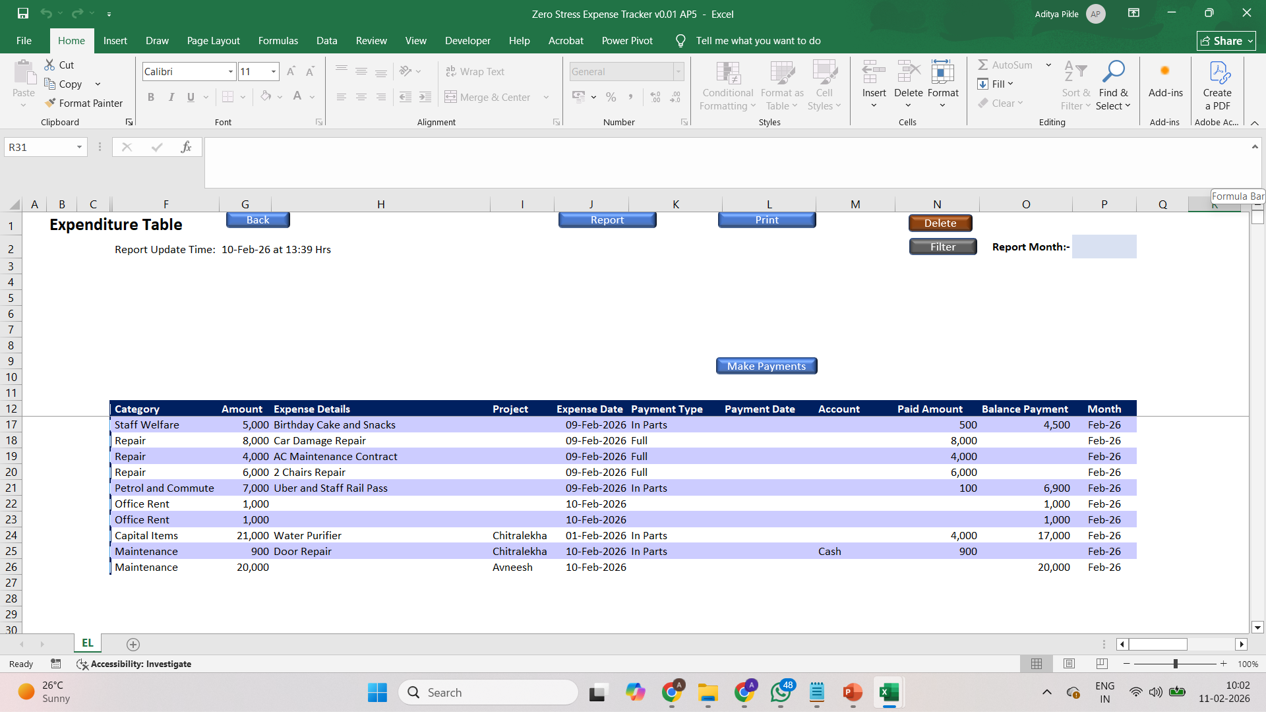
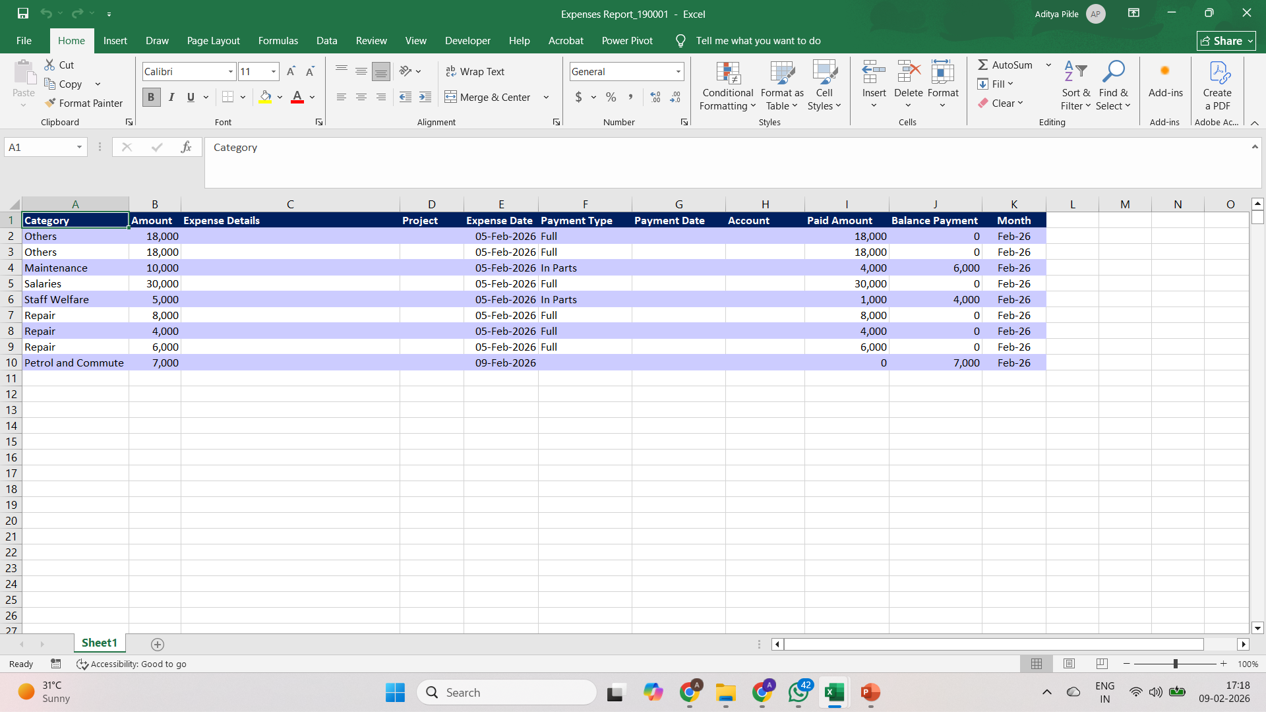
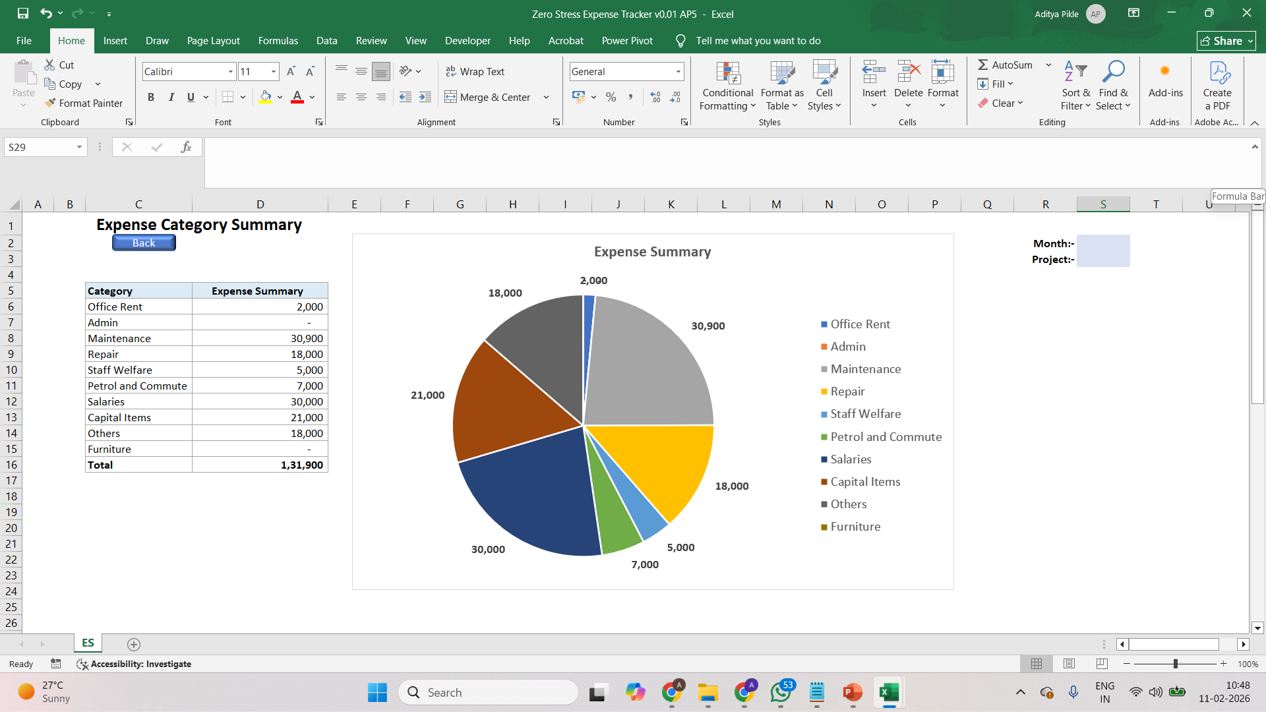
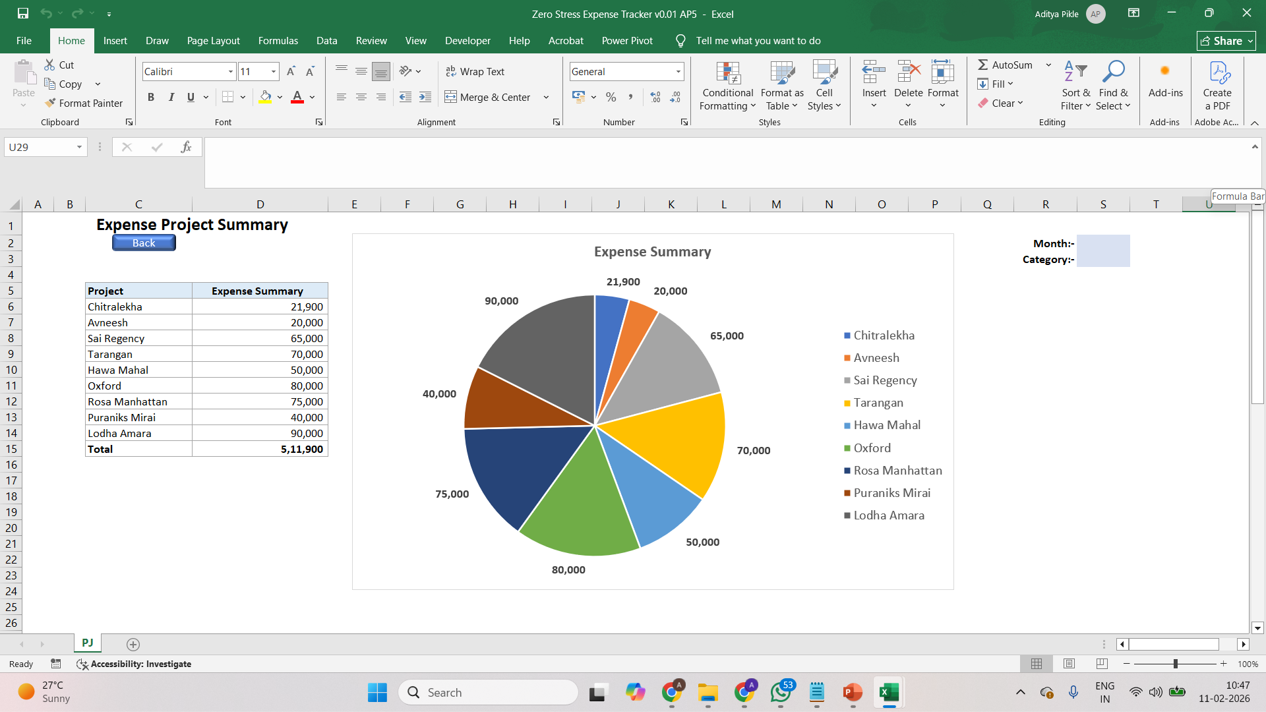
What Your Expense Report Will Look Like

This tool gives you:

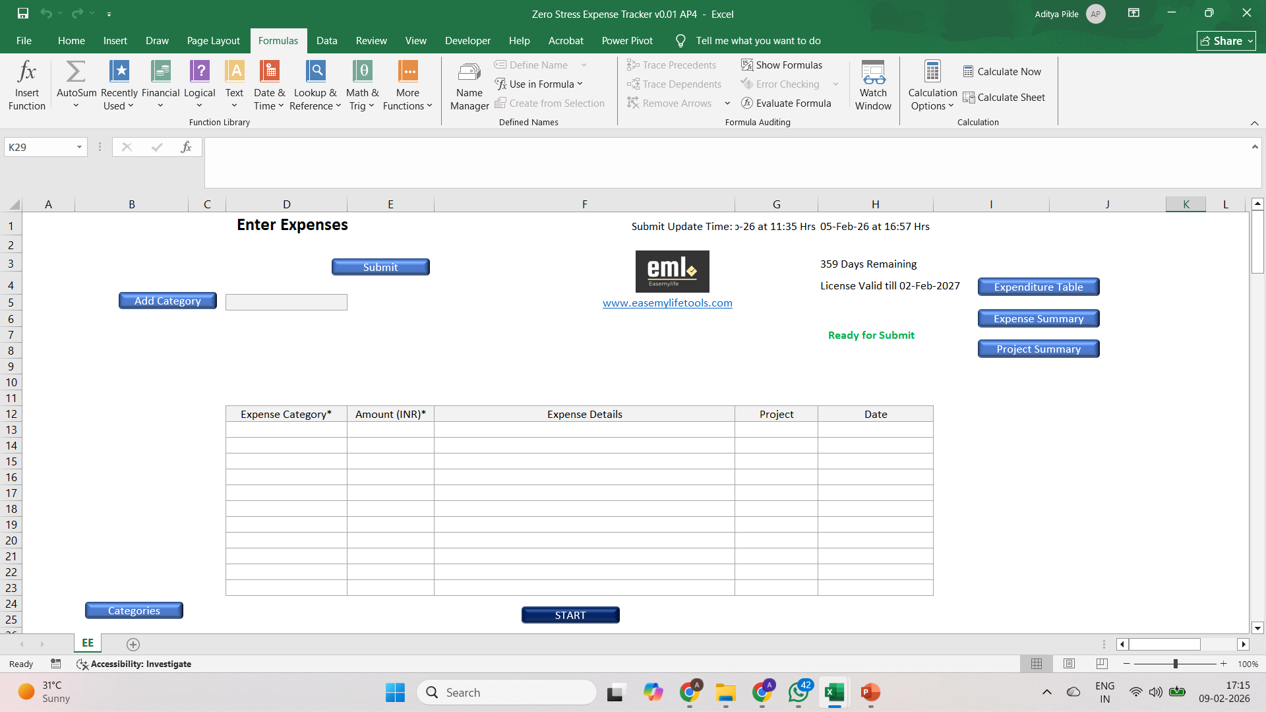
  • A clear monthly expense summary
  • Category-wise breakup of spending
  • Ready-to-share reports without manual calculations

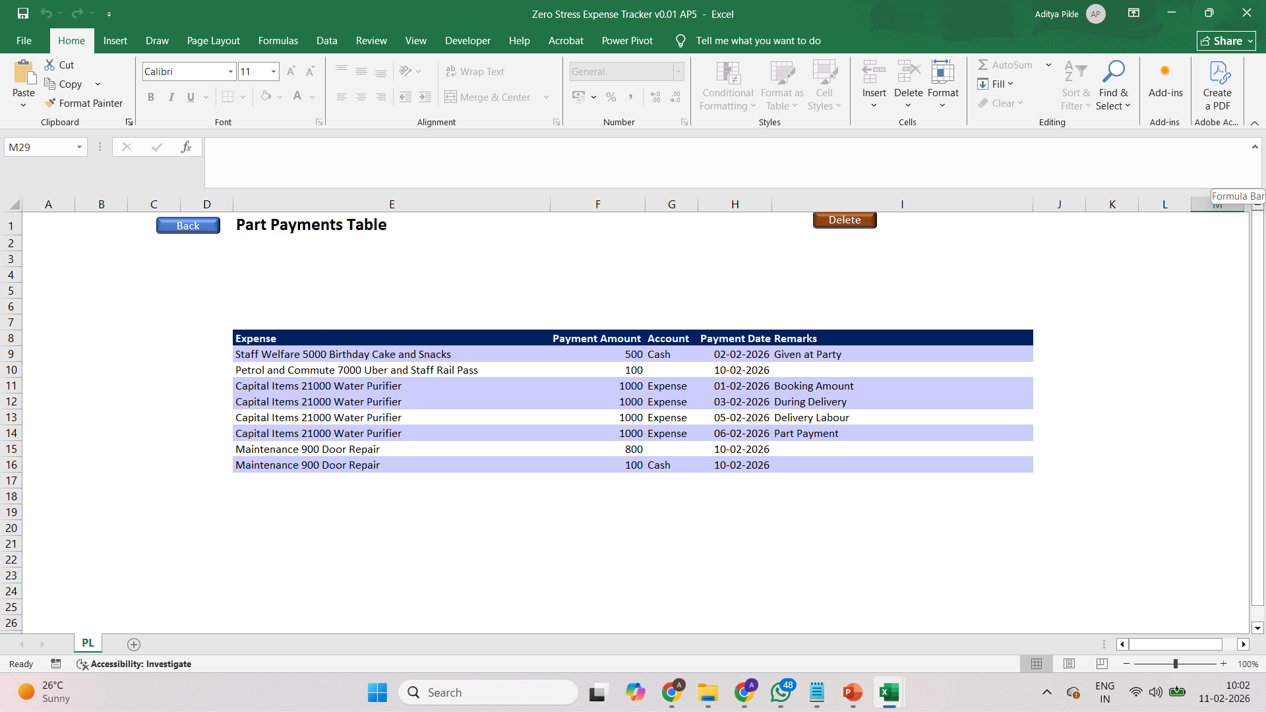
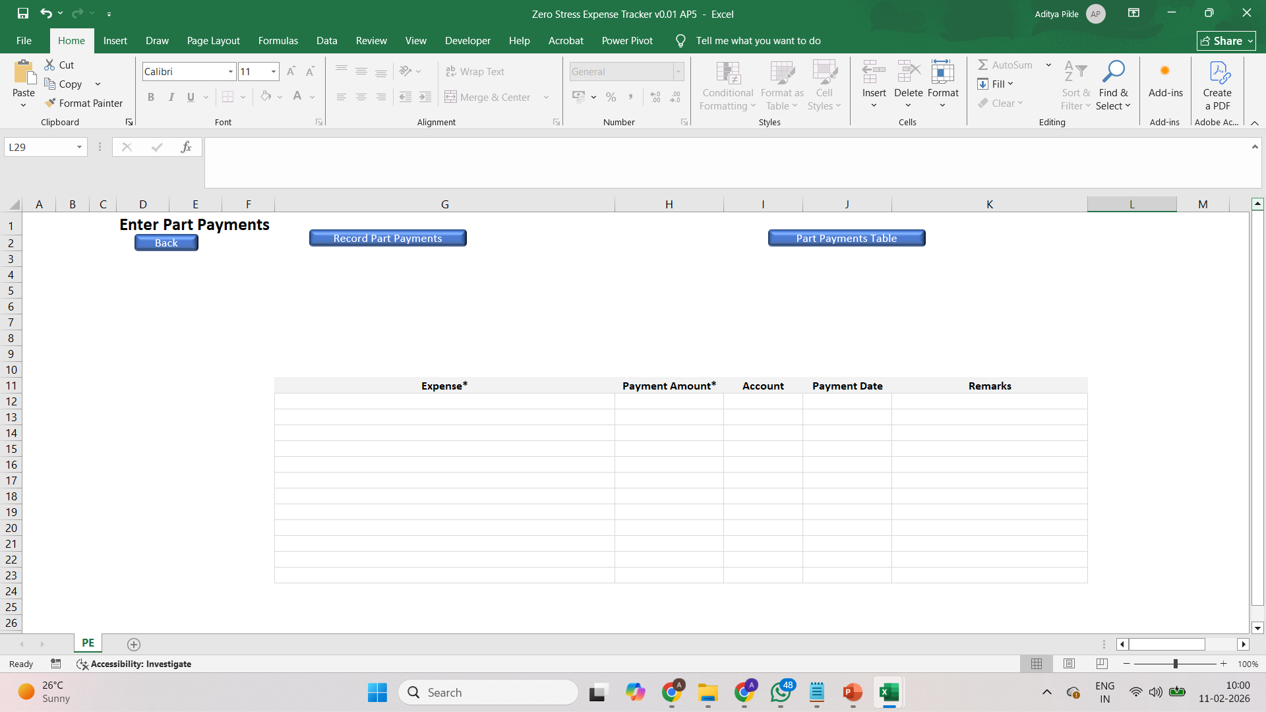
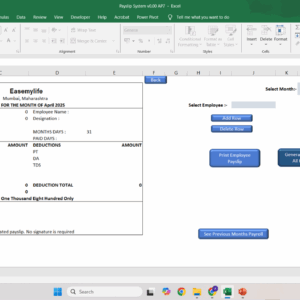
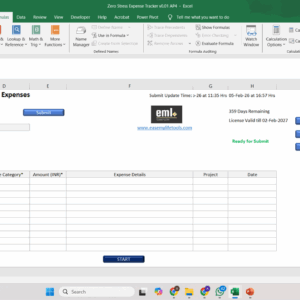
This is exactly what your expense tracking will look like once you start using the tool.

Unlike generic templates or free sheets, this tool gives you a ready structure, automatic summaries, and consistent monthly reporting without rebuilding files.



Price range: ₹500.00 through ₹5,000.00

Who It’s For

This tool is ideal for you if you:

  • Track personal or small business expenses in Excel

  • Spend time adding, filtering, and rechecking numbers every month

  • Want a ready system instead of building and maintaining sheets

  • Use a Windows laptop for your work

  • Work primarily on one laptop

If you want something practical that just works, this tool is built for you.

Problems It Solves

You deal with these challenges regularly:

  • Expenses written in registers or messy sheets
  • Repeated questions from managers about numbers
  • Time wasted entering the same categories again and again
  • Difficulty producing clean summaries on demand
  • Fear of missing, duplicating, or misreporting expenses
  • Tools that feel too complex for everyday admin work


Zero-Stress Expense Tracker removes these problems with a clean, ready-to-use system.

Key Features & Benefits

Simple expense entry
Replaces scattered notes and unstructured tracking.

Category-wise tracking
Replaces manual filtering and sorting at month end.

Bulk Expense Entry
Catch up quickly on busy or delayed days.

Automatic monthly summary
Replaces end-of-month calculations and rework.

Clean, ready reports
Replaces last-minute formatting and rushed outputs.

Familiar Excel Format
No learning curve, zero training.

Simple Setup
No IT support or installation needed.

How It Works

Getting started takes just a few minutes:

  1. Download the Excel file

  2. Unblock the file

  3. Enable macros

  4. Activate the tool

Short 1–2 minute videos are available on the Home page showing these steps clearly. To access the vidoes click HERE

Once activated, you can start working immediately.

Follow the demo videos on this page to see how to use the product.

Subscription Details & Pricing

Monthly Access:

Suitable if you want short-term or limited-period usage.

Yearly Access:

Best value if you track expenses throughout the year.

Renewals are manual.
Your access validity and remaining days are clearly visible while you use the tool.

Internet is required only for activating the tool.
After activation, the tool works inside Excel on Windows.

More information on subscription, license and activation are in the FAQs section of the Home Page which can be accessed by clicking here

License Usage

Each license is linked to:

  • One email ID
  • One Windows laptop at a time

The tool will not work on multiple laptops simultaneously and is not supported on Mac.

If you need to change your laptop, you can contact the service desk and the license will be reset for you.

What Your Access Includes

  • Use of the tool during your active access period
  • Access to newer versions released during that period
  • Improvements and refinements over time

Common Use Cases

  • Personal monthly expense tracking
  • Small business expense tracking
  • Freelancer expense management
  • Household expense tracking

Support

The tool is designed to work out of the box, but we will help you in setting up the system for the first time.

Even after that if you ever need:

  • Guidance for your specific use case
  • Custom changes or enhancements

Paid 1-on-1 support is available separately, only if required.

Launch Pricing (Limited) :

Available only up to 28-Feb-2026

Quick Demos

Additional information

Tenure

1 month, 12 months, Free 1 Month Trial

Reviews

There are no reviews yet.

Be the first to review “Zero-Stress Expense Tracker”

Your email address will not be published. Required fields are marked *

Limited-Time Launch Support

Only the users opting in by 28-Feb-2026 receive:

  • Free 1-on-1 product support during the first month
  • Help to get fully set up without stress

After this date, this support is removed and pricing increases.

Days
Hours
Minutes
Seconds

Lock in launch pricing before the timer runs out.

Once the launch window closes, this price will not return.

Related products

Book a Consultation

If you want personal guidance or help adapting the tracker to your situation :

Frequently Asked Questions

Is this an Excel expense tracker?
Yes. This is an Excel-based expense tracking tool that works on Windows.

Can I use this for small business expenses?
Yes. It is suitable for personal and small business expense tracking.

Does this work offline?
Yes. Internet is required only for activation. After that, it works offline in Excel.